DUE TO ISSUES WITH GOOGLE PHOTOS ALL IMAGES AFTER AUGUST 2015 ARE NOT SHOWING, I AM TRYING TO FIGURE OUT HOW TO GET THIS WORKING!

Friday, May 8, 2015

Useful tools

Working on your own most of the time, anything that you can do to increase your productivity is a good thing. Generally I love tools that can do more than one thing to reduce the weight of my bag, by carrying less, these tools are excellent productivity boosters. 
Punch down tools
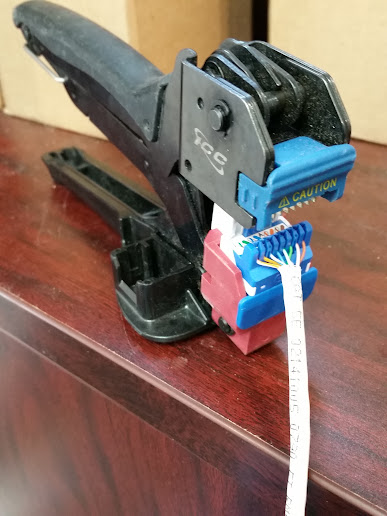
ICC has a punch down tool that will punch down 8 pairs at a time on a patch panel, as well as a tool that will punch all 8 pairs on CAT5 insert jacks (including HD, High Density jacks)
Wiremapping and testing tool. 
Klein tools has a wiremap tool with multiple "remotes" so that you can label jacks faster. This tool will also test that wiring is terminated properly, and measure cable length. 


Installing IP door phone

We have never flush mounted these "new" IP door phones that we have been testing out. The bracket does not seem to have any mounting hardware to flush mount.
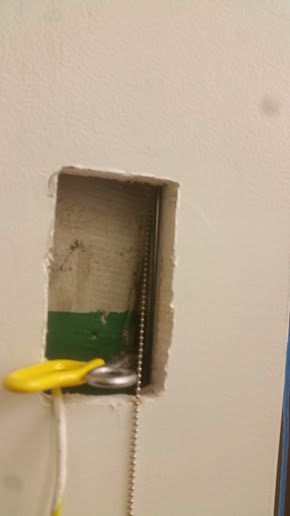
Using a ball chain to snake the wire behind the wall.
I made my first cut in the sheetrock straight down the wall flush with a beam so that I might have something to screw the bracket to if needed. 
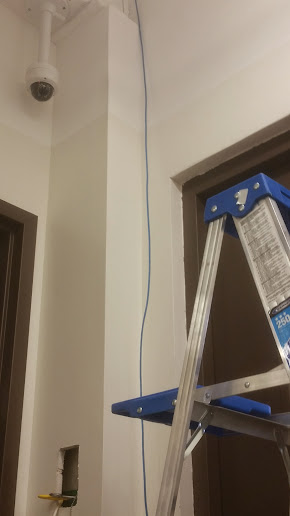
Snaking the wire down the wall. 
I then used the mount as a template to trace out and cut the hole. Once the hole was cut it was a very snug fit and there was actually no need to screw the mount to anything. 
Installing wall mount for IP door phone
I must say I am quite satisfied with the visual of this device, although we had installed two of these for this customer, and both of them ended up failing within several months. 
Final product.
I have not been back to troubleshoot any issues with the second one, but the first one apparently has one way audio issues, which I believe to be a hardware failure, not a software issue. The person at the door phone can not hear the person who answers the phone, but the person who answers the phone can hear the person that is at the door. 

The second defective unit I do not know exactly what the issue is. 


Adding more jacks, and further cleaning up network.

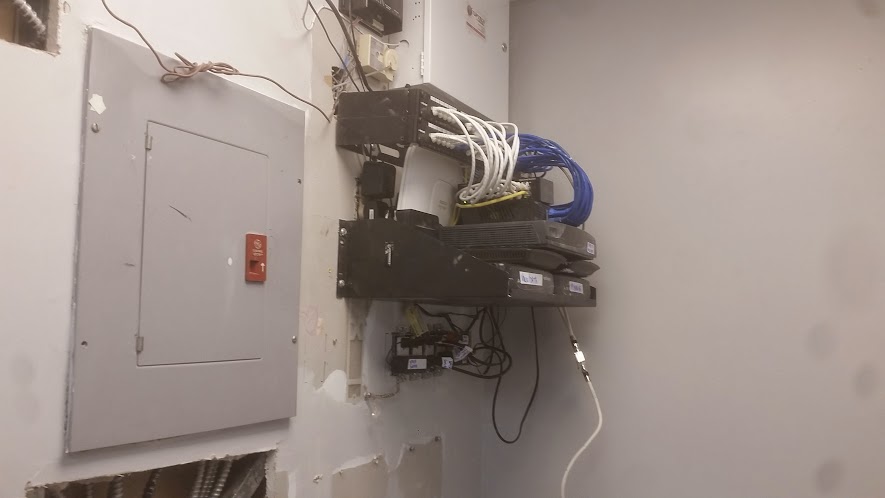
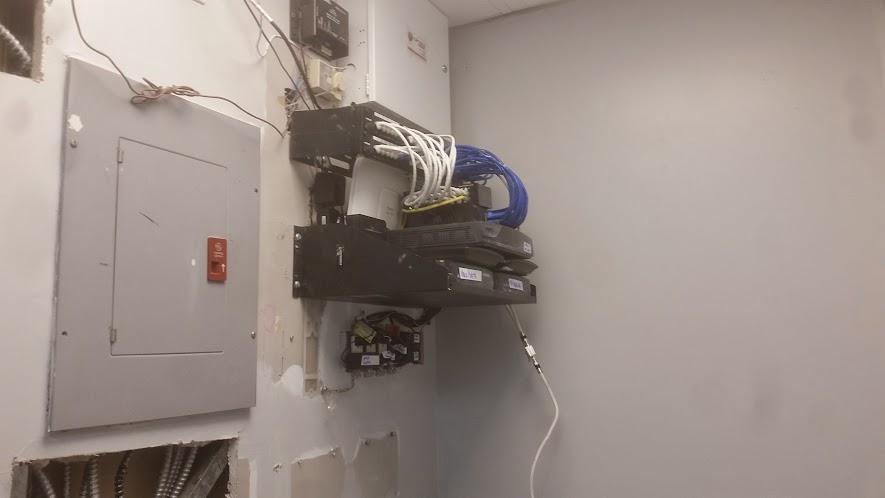
Once again, I had to return to add even more jacks, and further neaten up this network. I had recommended a rack, but they wanted to keep things as compacted as possible, as they have converted this small room into a small office kitchen. 
After I added the second panel and patched everything in.
So I mounted up a used rack mount shelf that I had left over in my truck with toggle bolts, and mounted all of the network equipment neatly. 
I added a shelf for the routers, modems and switches. 
This is likely the last time this network is upgraded as the construction at this location is finally completed, and it appears that they have plenty of jacks around the office for whatever they may decide do to. 

The only thing I can think that may need to be upgraded is the addition of, or replacement of another switch as they currently have a few more jacks then ports available on the switch / router. 


Network clean up, and adding jacks

I originally installed this network about 6 months, to a year ago. There is separate wiring, router and switch for the phone and PC networks.
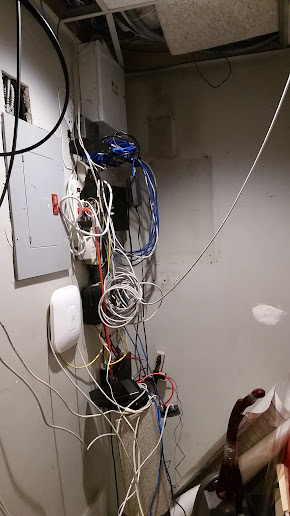
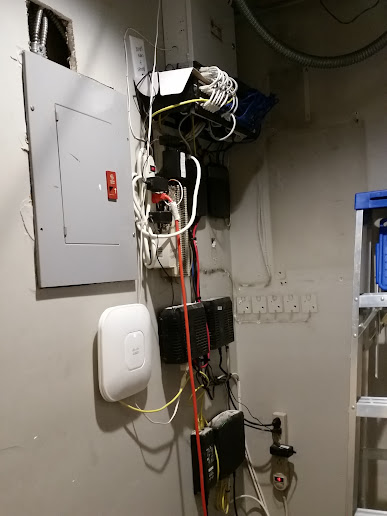
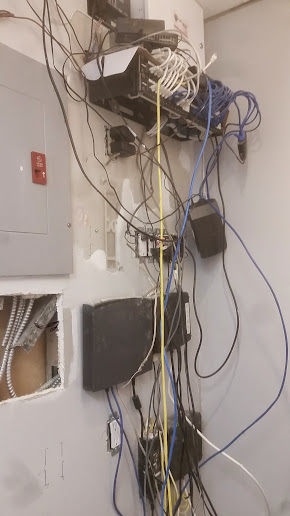
This is what the network looked like when I arrived
While the patching in on the phone network was done by myselfm and was fairly neat, the PC network that was patched in by their computer tech, and the power wiring was not installed very neatly.
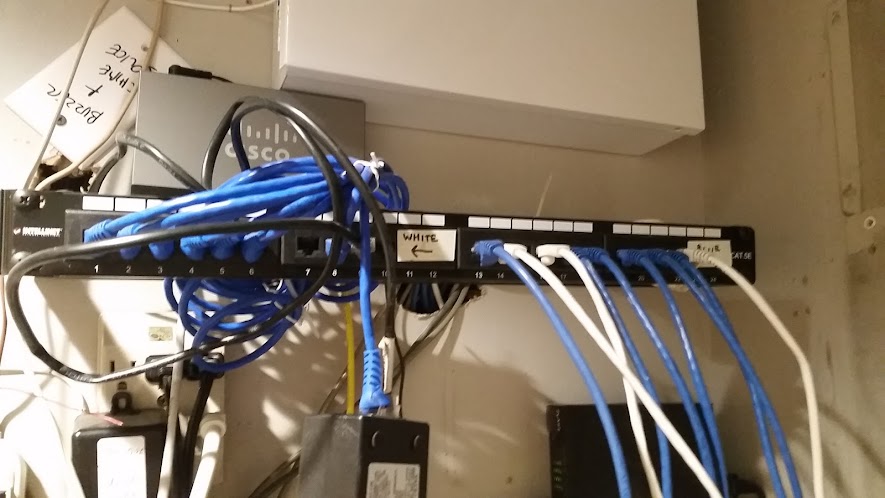
Partially completed
I started by figuring out how to mount everything neatly. I ended up making a shelf with cardboard above the panel for the two switches.
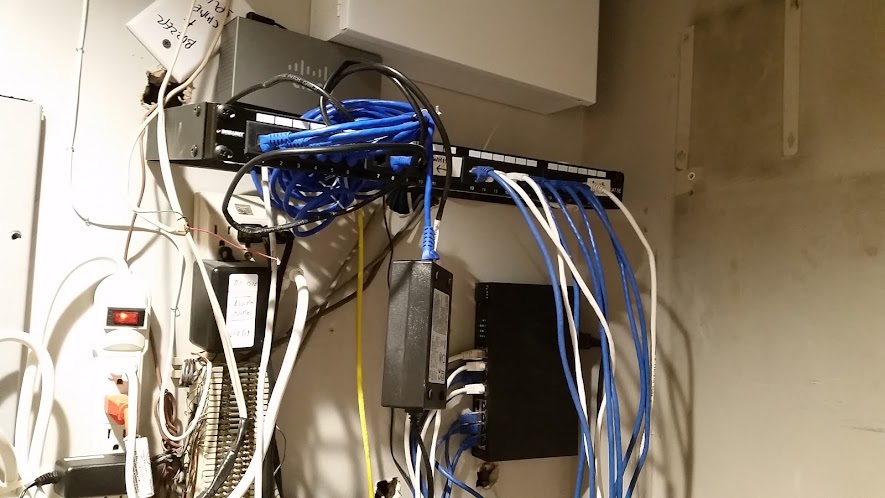
Partially completed
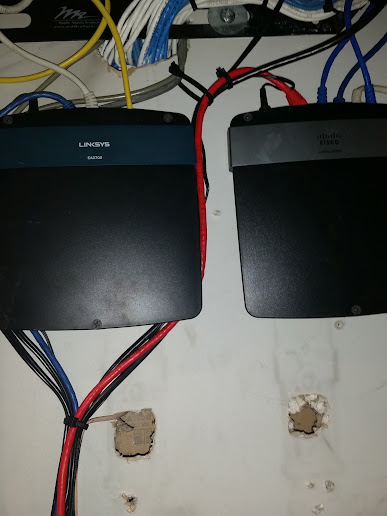
Then I had to mount up the routers to the wall, and patch everything in. 
Linksys / Cisco E and EA series routers are not wall mountable, so I drilled a few small holes into the routers and screwed them directly to the wall. 
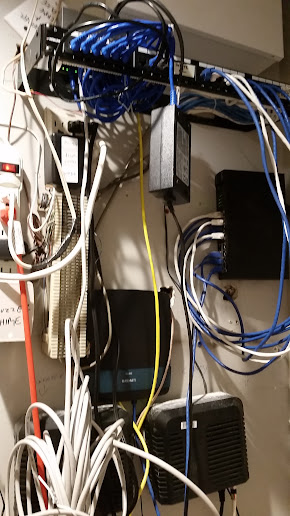
Add caption
After installing a few extra wires, and patching everything in neatly the job was complete, until I returned a few months later to add an additional panel and add a shelf to make things even neater.
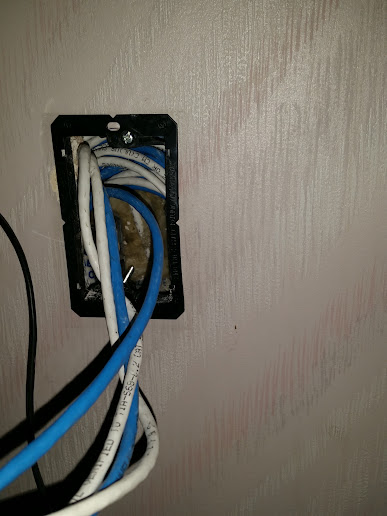
Adding more wiring and low voltage brackets

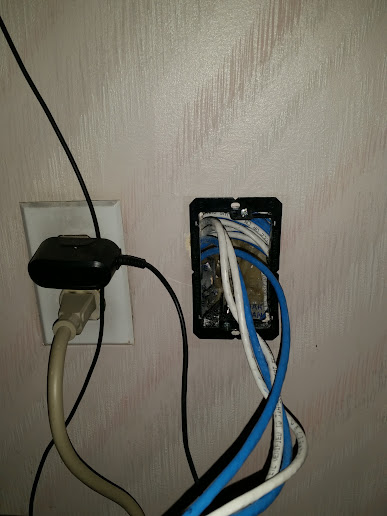
Low voltage wiring mounted side-by-side electrical outlet

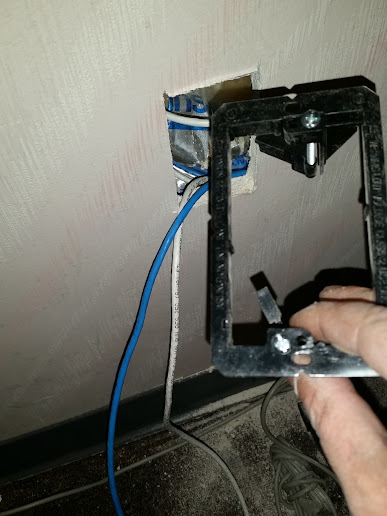
Installing low voltage brackets

Punching in a jack all 8 pairs at once.

Completed

Routers mounted.